

1. Send your request
Use the official access request page in the app, not a form on this informational site.
Begin with your own account, select models for different tasks and track credit consumption. Invite colleagues when you need a shared organizational workspace.
Use the official access request page in the app, not a form on this informational site.
Accounts are enabled gradually. Requesting access does not guarantee a particular activation date.
If approved, you will receive an email invitation to create your password.
Open registration is not yet available.
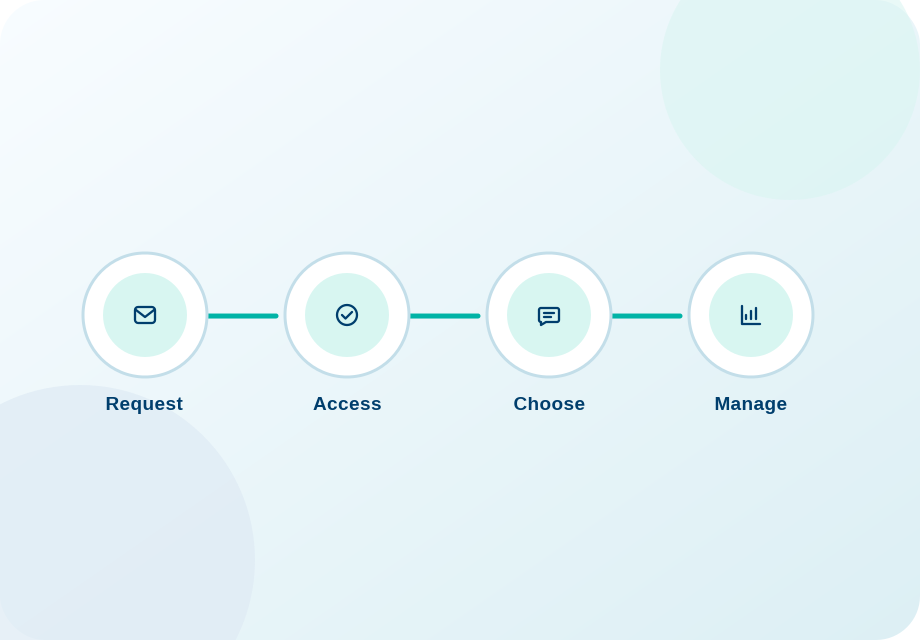
From your task to a response: explore each stage. Scroll through the journey or select any step.
Enter a question, work with a document or choose a supported operation. The request begins in your workspace.
Actual credit usage depends on the model, content and operation. Requests are processed by external AI providers.
Understand plans and creditsDraft, research, structure a proposal or review a document. The chat presents available models and their relative cost levels. More expensive does not necessarily mean better for every job.
Attach supported documents, reuse uploads from the Library, and select an assistant with instructions and reference files. You can search past conversations and continue working with earlier materials.
Credits are deducted according to the operation: for chat, the selected model and volume of processed content; for images, delivered images; and for audio, the duration and service. Image and transcription costs are shown before you proceed.
Owners can configure a monthly organization cap and per-person limits. Members share a credit pool, while usage reports show consumption by person and model.
Plans and top-ups are shown as reference offers. Online billing is not yet enabled.
The proposed model allows additional credits without changing your plan, or an upgrade when regular usage or the number of teammates grows.
Top-ups increase available credits but do not increase the member limit. Planned top-up credits do not expire.
Increase your monthly allowance and team capacity. Monthly plan credits expire at the end of their period.
Grow into a team account without starting over. Every employee has a separate login.
Open IA-ESTudio in a desktop, tablet or mobile browser; on mobile you can install it as a web app. Export chats in Markdown or JSON, images from the gallery and organizational credit movements in CSV.
Yes, choose from the available models according to the task.
Compact it and continue from a summary. The app may also compact it automatically when approaching the context limit.
Yes. Your personal account can become an organization while preserving your history and balance.
Learn the workflow individually, then invite colleagues when you are ready.

