
Voice dictation
Speak for up to five minutes, review the text before sending it, and pay by minute. Cancelled dictation is not charged.
Chat, documents, assistants, images and transcriptions in one place. Choose models based on each task and manage your team’s credit usage.
Features described as available are part of the current product. Access remains by invitation.
Explore available OpenAI, Anthropic, Google and DeepSeek models. Their relative costs are displayed as Economy, Intermediate or Advanced.
Responses stream as they are generated and may contain lists, tables and code. Rename, search or delete conversations. Search covers titles and messages, not the contents of attached files.
When a conversation becomes long, compact it and continue with a summary. If a response stops early, you can ask the model to continue.
EXPLORE THE MODELS
Select a task to explore what you should consider when choosing a model. No single model is perfect for everything.
Create an initial draft and evaluate whether the result fits your intended style.
Illustrative exploration: this demo does not call models, calculate credits or automatically recommend a provider.
Attach PDFs, images, TXT, MD, CSV, Word and Excel files when the selected model supports them. Up to five files per message and ten per conversation.
Choose documents from your Library instead of uploading them again. Compatibility depends on the model; some do not process PDFs.
Create assistants using persistent instructions and up to ten reference documents. Select one at the start of a chat.
Assistants can be shared in shared organizational spaces or kept private in personal spaces. Searching extensive document collections and generating source citations is planned for a later stage—not currently available.
ASSISTANTS & REFERENCES
Toggle a few references to see how an assistant can work with selected instructions and documents—not every file in your organization.
Add or remove documents
Visual example: no real document is uploaded or analyzed. Access to resources depends on permissions.
Describe an idea, choose aspect ratio and resolution, and optionally include reference images. Request one to four images per job; the credit cost appears beforehand and only delivered images are charged.
Turn a sketch, plan or photo into a visualization of a building, interior, landscape or urban project. Adjust style, view, lighting and reference fidelity. Generated images can be downloaded from the gallery.
ARCHITECTURE STUDIO
Move the pointer over the image or drag the divider to compare two versions of the same scene.
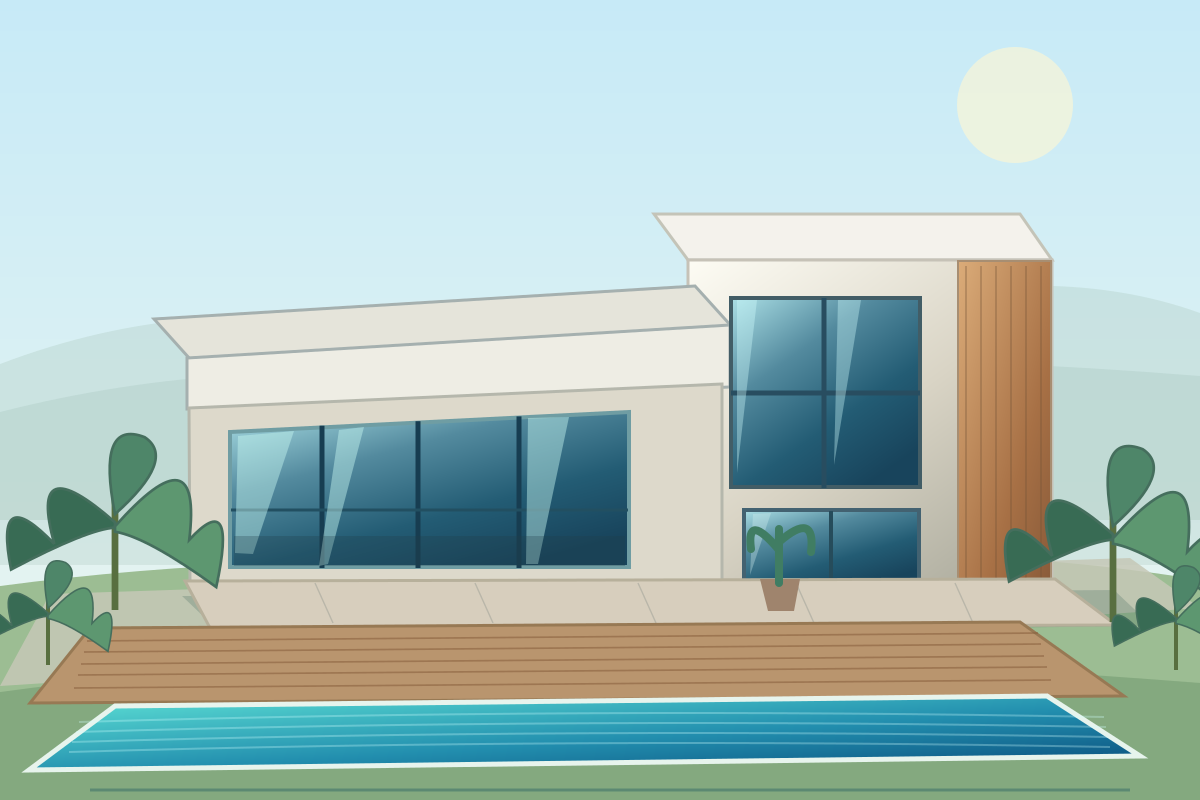
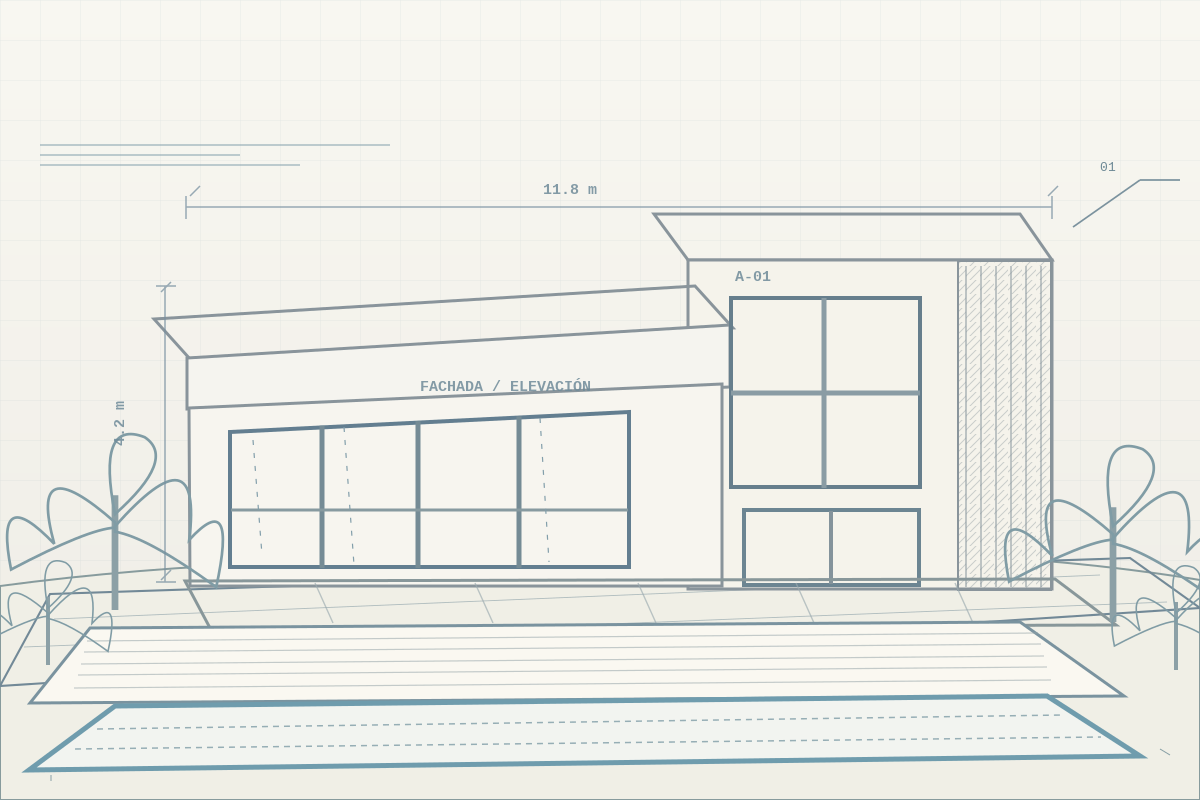
Conceptual illustration; these images were not generated by IA-ESTudio.
Speak for up to five minutes, review the text before sending it, and pay by minute. Cancelled dictation is not charged.
Use voices installed on your device; there is no credit charge or separate server transfer for this feature.
Upload audio up to 60 minutes and 25 MB. Review the cost, distinguish speaker turns and optionally use the transcript in chat.
IA-ESTudio does not join live meetings or record calls. Obtain any necessary consent before uploading recordings.
AUDIO & TRANSCRIPTION
Play this example to see how a transcript from an uploaded recording could be presented.
Speaker 1: Let’s review this week’s outstanding tasks.
Speaker 2: I will send the draft on Friday.
Note: the team agreed to share updates.
No real audio is recorded, played or processed. IA-ESTudio transcribes files you upload.
Home shows shortcuts and recent activity. The Library stores uploaded files and generated images. Export conversations as Markdown or JSON and download images.
Every member has their own account. Owners can view consumption by model and member, manage invitations and roles, set monthly limits, and export credit movements as CSV.
Short video generation is coming later. Advanced source-citing document retrieval and multi-step agents are planned for a later phase, with no announced date.
Access is currently by invitation. Ask to join and discover what IA-ESTudio can do.
